Related Certification(s):
Linux Foundation Kubernetes Application Developer Certification
Linux Foundation CKAD Exam Topics - You’ll Be Tested in Actual Exam
The Linux Foundation's Certified Kubernetes Application Developer (CKAD) exam assesses your ability to design, build, and expose cloud-native applications on Kubernetes without a containerized application focus. It covers a range of topics, including managing Kubernetes resources, such as pods, deployments, and services, with the kubectl command-line tool; creating and configuring pods and jobs; utilizing Kubernetes controllers like Deployments, DaemonSets, and StatefulSets; and understanding Kubernetes networking concepts and troubleshooting. You'll also delve into security aspects, such as managing secrets and config maps, and learn about advanced topics like custom resource definitions (CRDs) and Kubernetes API objects. Additionally, the exam tests your knowledge of logging and monitoring practices, including using tools like Prometheus and Grafana. Lastly, you'll explore automation and best practices, employing tools like Helm and Kustomize for package management and configuration. Throughout the exam, you'll apply your skills in a command-line environment, demonstrating practical Kubernetes application development expertise.
Linux Foundation CKAD Exam Short Quiz
Attempt this Linux Foundation CKAD exam quiz to self-assess your preparation for the actual Linux Foundation Certified Kubernetes Application Developer exam. CertBoosters also provides premium Linux Foundation CKAD exam questions to pass the Linux Foundation Certified Kubernetes Application Developer exam in the shortest possible time. Be sure to try our free practice exam software for the Linux Foundation CKAD exam.
1of 0 questions |
Linux Foundation CKAD Exam Quiz
✓ 0 answered
🔖 0 bookmarked
Linux FoundationCKAD
Q1:
Refer to Exhibit.
Task:
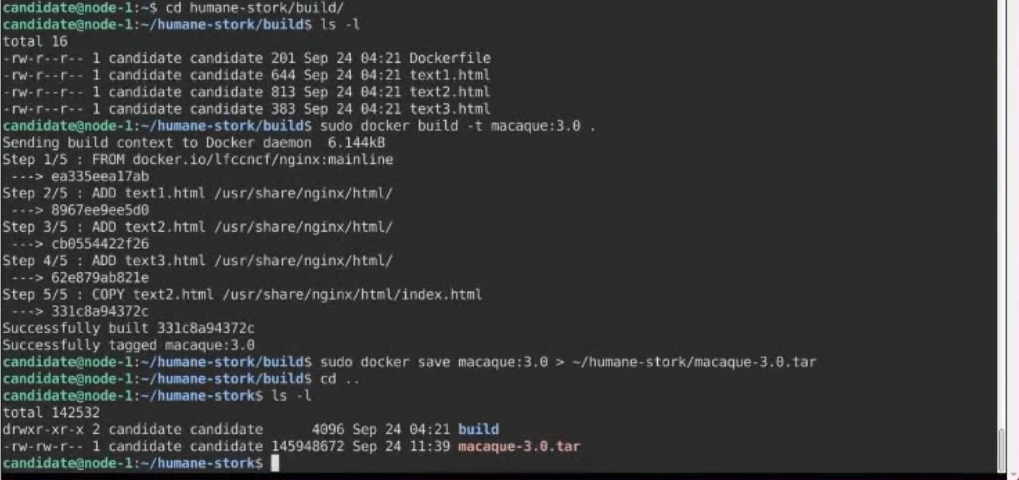
A Dockerfile has been prepared at -/human-stork/build/Dockerfile
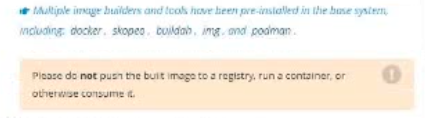
1) Using the prepared Dockerfile, build a container image with the name macque and lag 3.0. You may install and use the tool of your choice.
2) Using the tool of your choice export the built container image in OC-format and store it at -/human stork/macque 3.0 tar
○
AExplanation:
Solution:
Linux FoundationCKAD
Q2:
Refer to Exhibit.
Task:
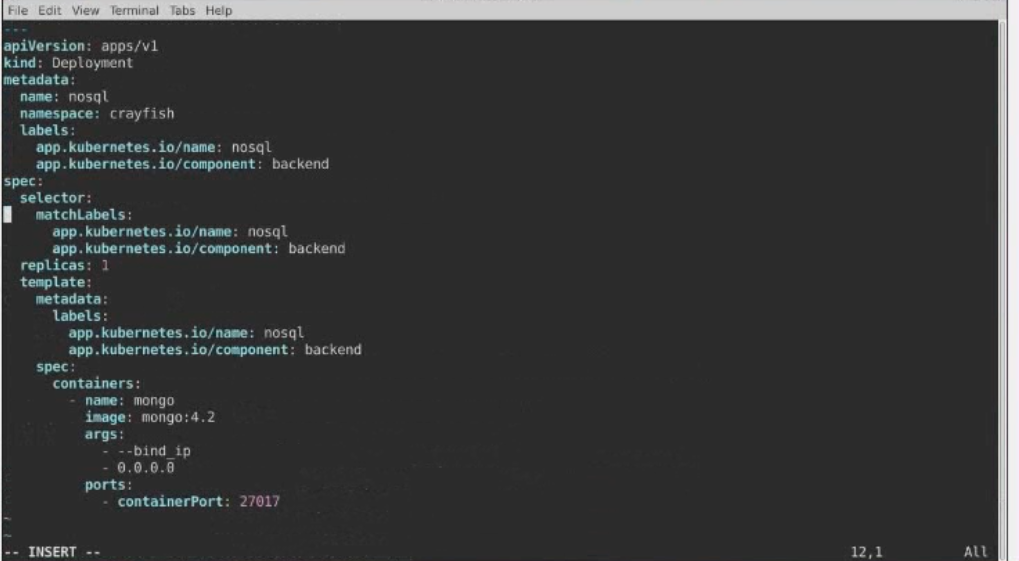
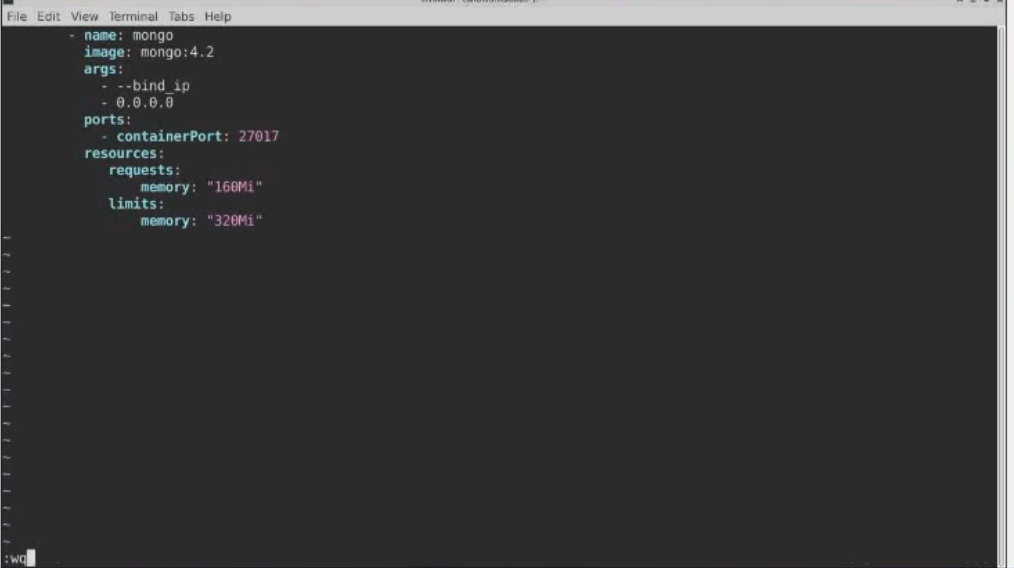
The pod for the Deployment named nosql in the craytisn namespace fails to start because its container runs out of resources.
Update the nosol Deployment so that the Pod:
1) Request 160M of memory for its Container
2) Limits the memory to half the maximum memory constraint set for the crayfah name space.
○
AExplanation:
Solution:
Linux FoundationCKAD
Q3:
Refer to Exhibit.
Context
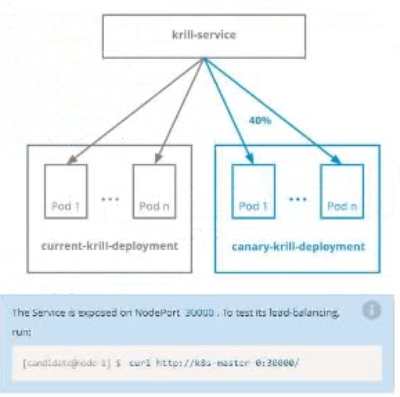
You are asked to prepare a Canary deployment for testing a new application release.
Task:
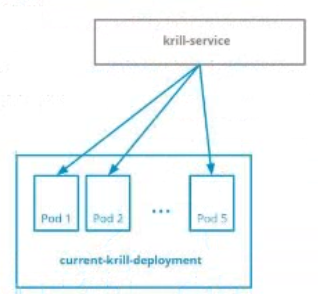
A Service named krill-Service in the goshark namespace points to 5 pod created by the Deployment named current-krill-deployment
1) Create an identical Deployment named canary-kill-deployment, in the same namespace.
2) Modify the Deployment so that:
-A maximum number of 10 pods run in the goshawk namespace.
-40% of the krill-service 's traffic goes to the canary-krill-deployment pod(s)
○
AExplanation:
Solution:
Linux FoundationCKAD
Q4:
Refer to Exhibit.
Task:
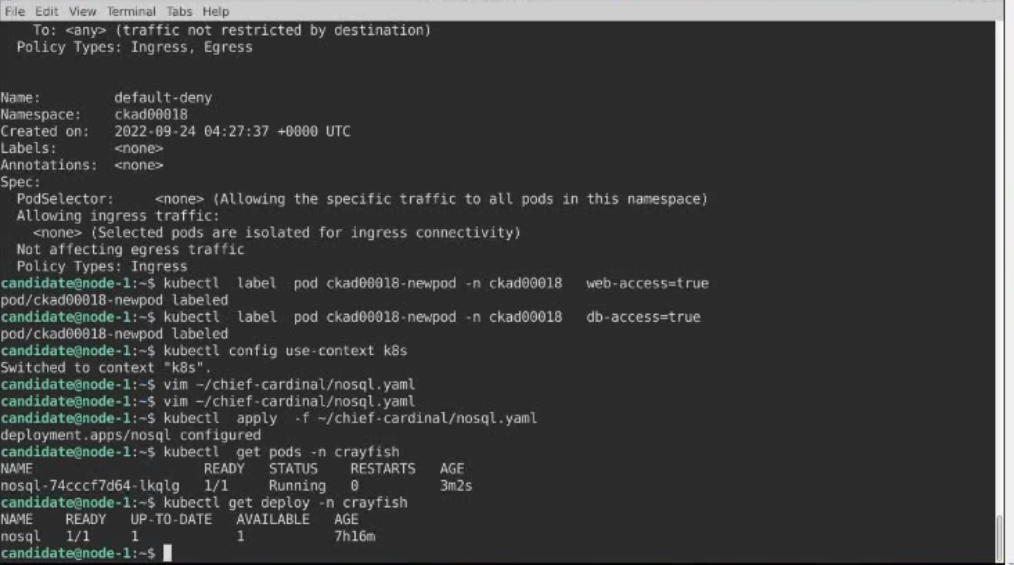
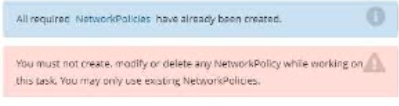
Update the Pod ckad00018-newpod in the ckad00018 namespace to use a NetworkPolicy allowing the Pod to send and receive traffic only to and from the pods web and db
○
AExplanation:
Solution:
Linux FoundationCKAD
Q5:
Refer to Exhibit.
Task:
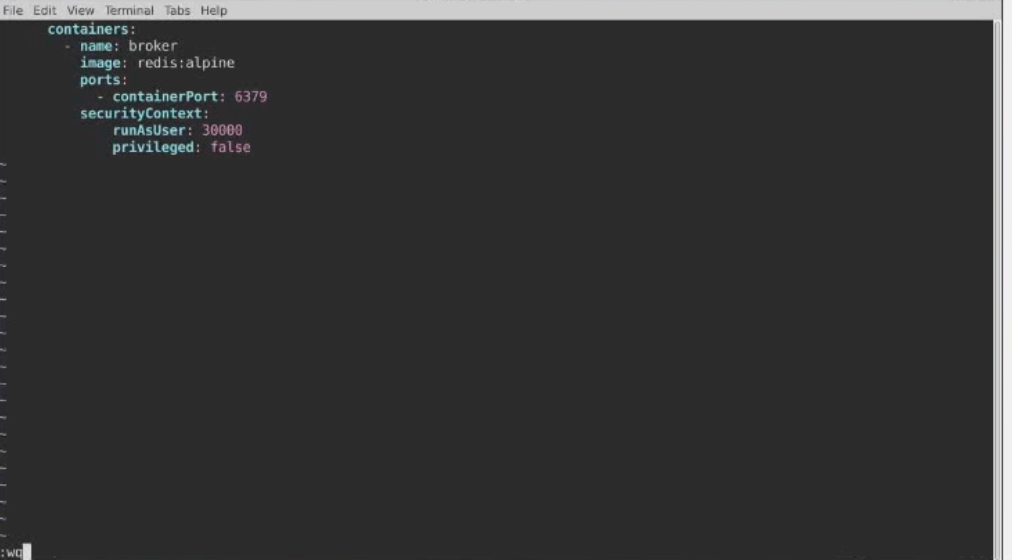
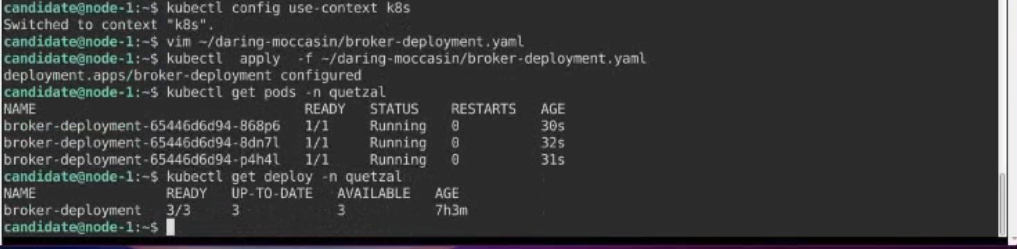
Modify the existing Deployment named broker-deployment running in namespace quetzal so that its containers.
1) Run with user ID 30000 and
2) Privilege escalation is forbidden
The broker-deployment is manifest file can be found at: